
Session / quiz5 elements
What did we take away?
Scale · Open answer
4 questions to explain a key learning, plan its use and flag what still needs clarification. No points, 5–8 minutes.
Add interactive, self-paced quizzes to any course, website or learning platform. Embed a Pomlet quiz with a single iframe to boost completion, retention and engagement.
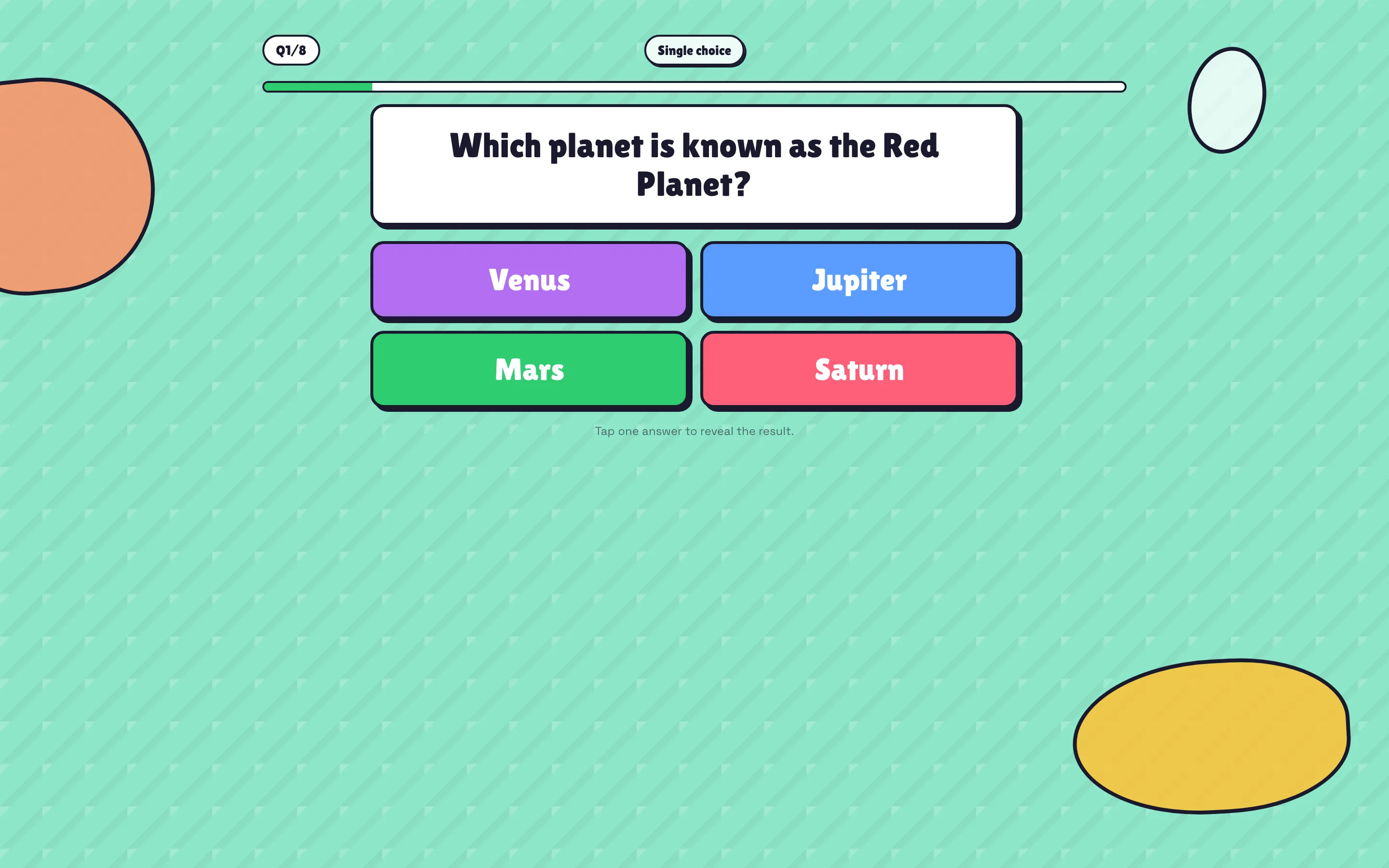
Copy an iframe snippet and drop your quiz into any page, course or LMS – no coding needed.
Learners take quizzes on their own time, at their own speed, with instant feedback per question.
Generate course-aligned questions from your existing material in seconds.
Retrieval practice beats re-reading – embedded quizzes turn lessons into memory that lasts.
Understand how learners interact with your content and where they get stuck.
Works in Moodle, WordPress, Notion, course builders and plain HTML pages alike.
Explore a selection from our library of session and whiteboard templates. Choose a template and make it your own.
Scale · Open answer
4 questions to explain a key learning, plan its use and flag what still needs clarification. No points, 5–8 minutes.
Templates included in the free plan. Available in English, French, Spanish and German.
Open any quiz, grab the embed code, and paste the iframe into your page or LMS. The self-paced player loads instantly.
If your platform allows iframes (Moodle, WordPress, most course builders), Pomlet quizzes embed cleanly.
Yes. The embedded player is open and self-paced – no login required for learners.
Build your first Pomlet quiz in minutes – free, no card required.