 Free PowerPoint add-in

PowerPoint on the web
The quickest way: nothing to install on the computer. Works with a personal Microsoft account as well as with a work or school account.
- Download the add-in (the file pomlet-powerpoint.xml).
- Open a presentation in PowerPoint on the web (office.com or OneDrive).
- Select Home → Add-ins, then More Settings.
- In the Office Add-ins dialog, select Upload My Add-in, choose the downloaded file and confirm.
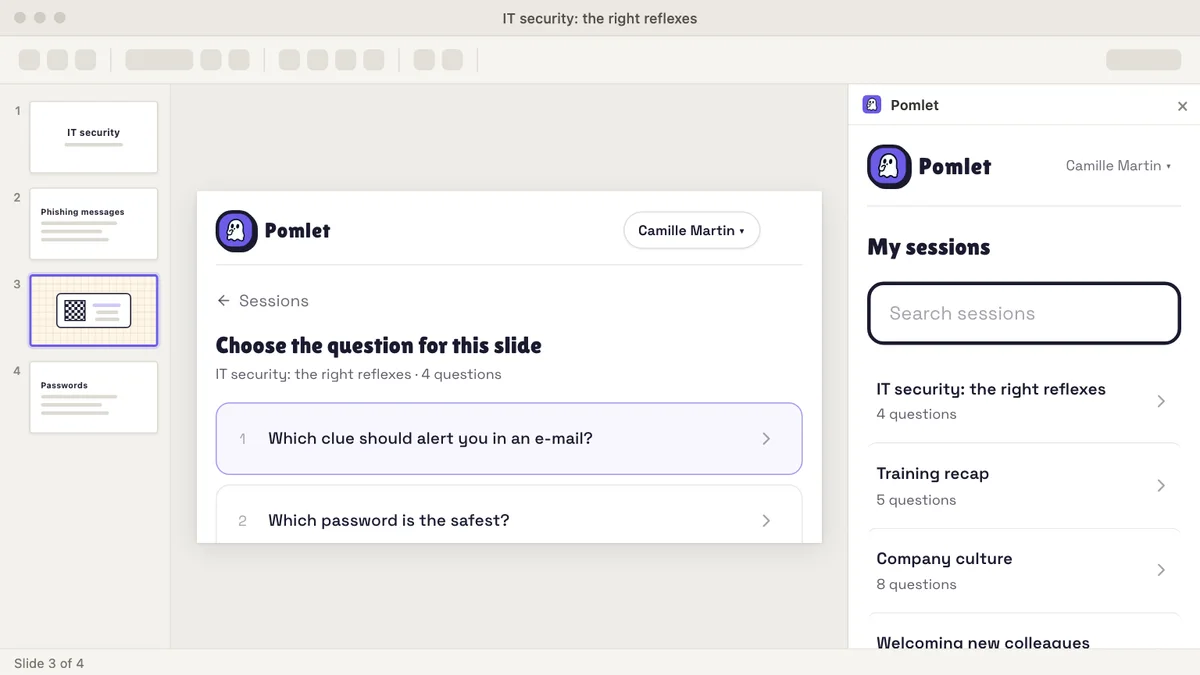
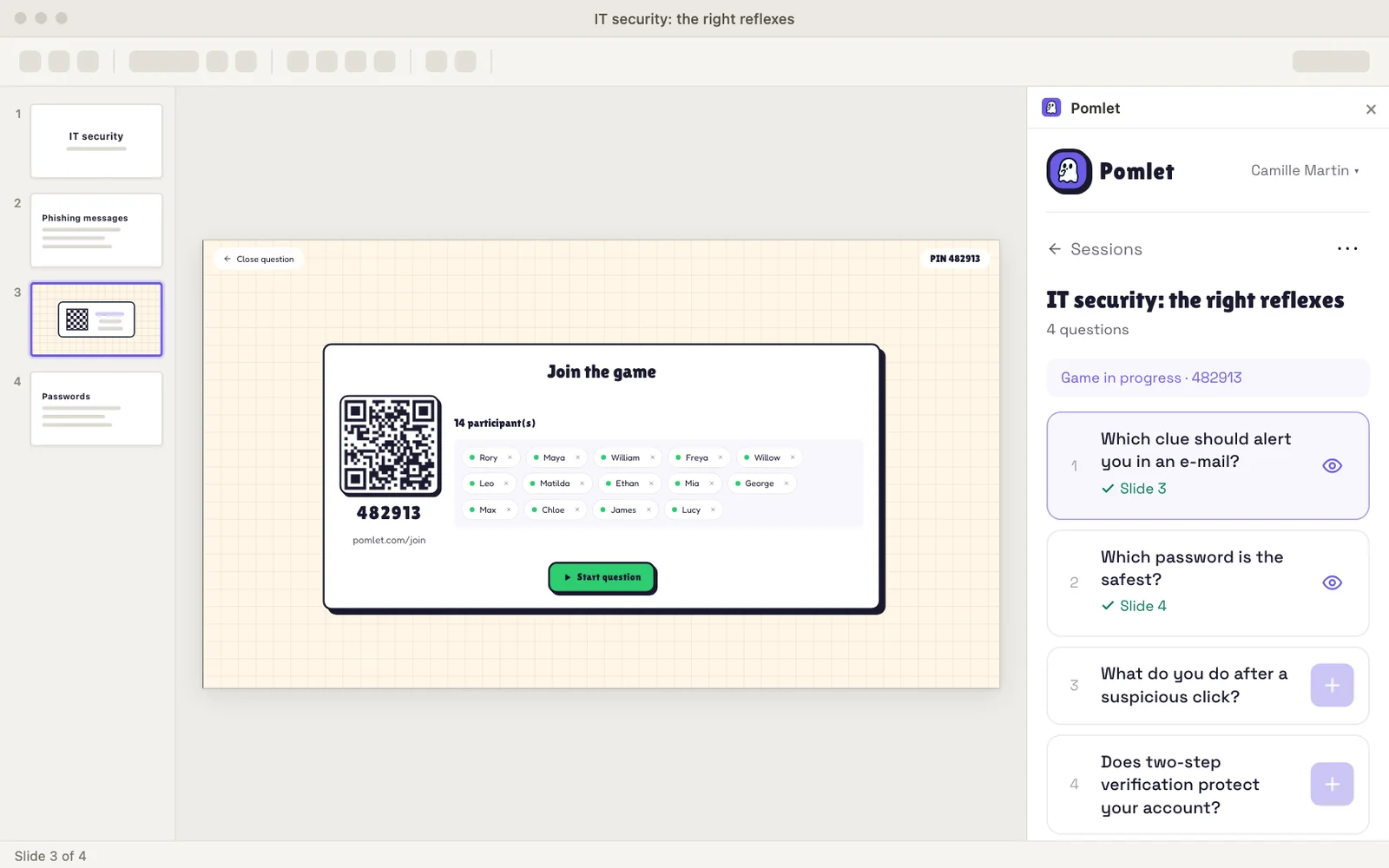
- Pomlet Player opens in the slide: go on to “Use the add-in” below.
- Home
- Add-ins
- More Settings
- Upload My Add-in
PowerPoint on the web keeps the add-in in your browser. After clearing the browser’s data, in a private window or in another browser, upload the file again.