
Step by step
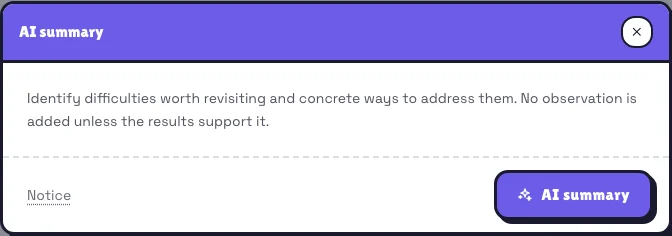
Open the right report
Go to Reports and open the played session’s details. A summary is available once five people have answered, on any plan.
Read the notice if needed
Choose AI summary. Notice at the bottom left explains data processing and links to account AI privacy. Closing settings returns you to the summary without losing the open report.
Generate and review
Start generation and wait for the loading indicator. Reopen the result using the same button. Check observations against the results: suggestions are not diagnoses of participants.
What happens next
Only aggregate statistics are sent: success and answer-choice distributions by question. Names, nicknames, questions and free-text answers are not sent for this summary. Your global ZDR setting is respected.
Real example
A practical example
If answers cluster on a wrong option, the summary may suggest comparing reasoning in pairs before voting again. It does not know the subject or invent a misconception. Without a useful signal, it adds no observation.
Remember
Remember
If generation is temporarily unavailable, the report and answers remain accessible. Try generation again later.