
Step by step
Choose the element
Open the session editor, select the element on the left, then choose Publish this element individually above its content. Whiteboards are not supported.
Choose whether to require a nickname
Enable Require a nickname if every answer should include a participant-chosen name. This setting applies to the publication you are creating. Otherwise answers are anonymous.
Publish and share
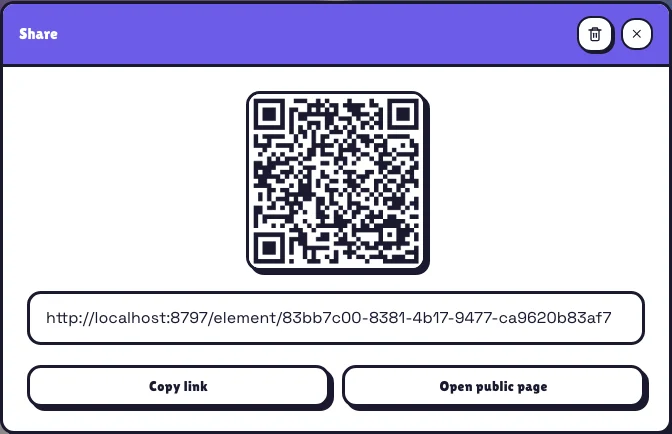
After publishing, copy the link or use the QR code. Open publication lets you check the result. The Statistics button beside Share in the editor shows results for this element only.
What happens next
Editor changes do not immediately change the public page. Reopen Share after editing the question or choices: a notice tells you to republish. The link and QR stay the same.
Republishing permanently deletes previous answers and statistics. They are neither archived nor combined with the new ones. The nickname setting also takes effect when republishing.
Real example
A practical example
In a museum, place the QR beside an artwork. Visitors answer, confirm and see the result on their phone. If you replace the question, republish: the printed sign stays valid and the count starts at zero.
Remember
Remember
Deleting the link closes public access. Browser checks limit repeat answers but do not guarantee unique people. If text cannot be published, its author receives a message; others do not see it.