
Step by step
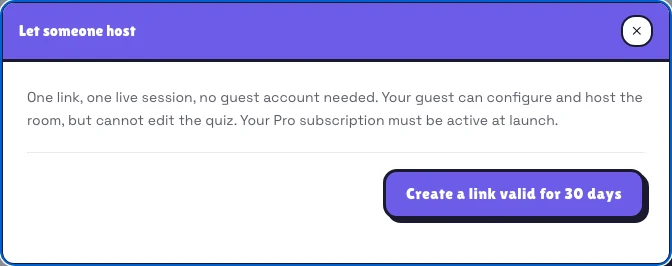
Create the link
In a personal session’s three-dot menu, choose Let someone host and create a link. Usage belongs to the owner’s Pro subscription, which must be active when hosting starts.
Send to the intended host
Copy the link and send it only to the intended host. Anyone holding it can try to use it: do not display it instead of the participant QR.
Host or revoke
The recipient opens the link, enters the live hosting flow and welcomes participants. Revoke the link from the same window. Once expired or revoked, use the cross to remove it from the list.
What happens next
Quiz settings provide the starting point. The guest controls hosting but cannot edit quiz content. This link is for a live session, not access to all your activities.
Real example
A practical example
A consultant prepares a client quiz. The client hosts the meeting using the link; the consultant keeps the content and finds the report in their account.
Remember
Remember
The hosting link is private. Share the lobby QR and PIN with players.